

3D Manufacturing Practice: Read Scene Units Before Dimensions
2026-11-02
3D Manufacturing Practice: Read Scene Units Before Dimensions
Scene units help explain how a manufacturing scene presents values, but they should not be mistaken for measurements of a real part. This practical article proposes a reading exercise for a prepared Blender teaching scene. It separates scene display settings, an object’s reported dimensions, and physical manufacturing claims. No application was opened, no model was modified, and no part was measured. The exercise concerns how to describe the information a learner intends to inspect.
State what the scene is being used to explain
Imagine an instructor supplying an authorized scene to discuss a manufacturing layout. The learner first identifies the purpose of the view. Is it illustrating arrangement, showing an object representation, or supporting another stated lesson? The purpose should not be guessed from how realistic the scene appears.
Keep the prepared file unchanged while reading its context. A learner should not rescale objects simply to make displayed values look familiar. That would change the material before the class understood what the original settings were meant to express.
The proposed exercise contains no actual product geometry. If a later lesson uses real authorized material, its relationship to a manufactured object needs an explanation of its own. A scene label cannot establish that relationship on the instructor’s behalf.
Read the unit display settings before naming a quantity
The Blender scene-properties manual explains Unit Scale as affecting displayed values rather than internal behavior. This gives the learner a specific distinction to investigate. A display setting and the meaning of a real physical process are different questions.
For the fictional lesson, ask the learner to identify which display context they intend to describe. Their note should say what was actually inspected if an observation occurs. Without an observation, it remains a plan rather than a completed check of the teaching scene.
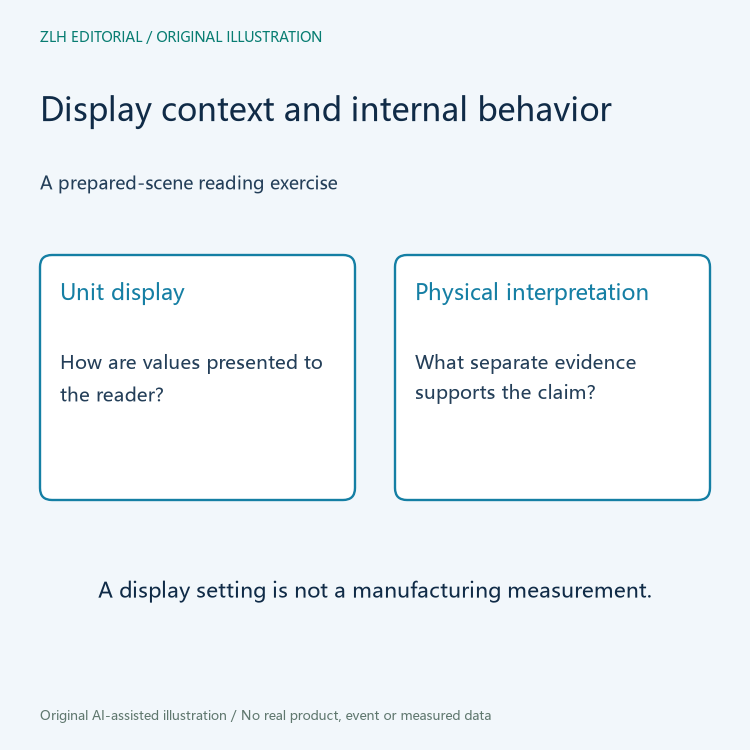
The manual’s explanation also means an editor should not infer a physics result from the display setting alone. This article does not run a simulation, assess its parameters, or claim that a manufacturing process has been reproduced.
Identify what the dimensions field describes
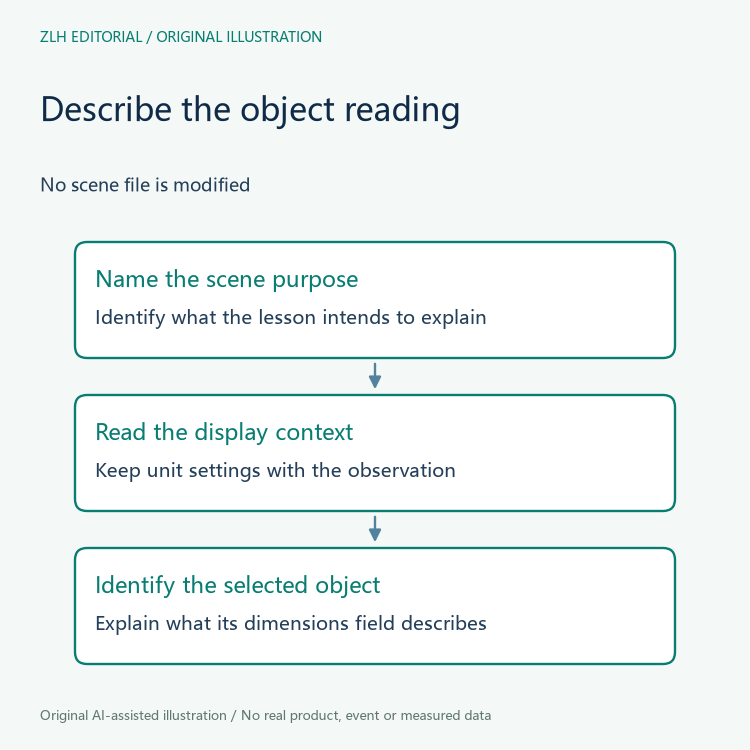
The object-transform manual describes Dimensions in terms of an object’s bounding box. The learner should therefore name the object and the kind of information being read, rather than call every displayed size a measured part dimension.
In the imaginary scene, the class can ask whether the selected object is the one the lesson actually concerns. An attractive overview may contain several objects serving different illustrative purposes. The selected item should not be inferred from whichever outline happens to be visually prominent.
A proposed note can keep the selected object, the dimension description, and the scene display context together. It should not supply invented numerical values to make the note look complete. The purpose is to explain the observation’s scope.
Keep the representation distinct from a physical claim
A scene may communicate an intended arrangement without establishing the size or suitability of a manufactured object. That further claim would need appropriate actual material. This article does not provide a calibration method, a tolerance, or an instruction for operating manufacturing equipment.
For the classroom discussion, ask learners which statement the scene view supports and which statement would require another source. If they say that the part must match the display because the scene looks precise, return to the relationship between representation and physical evidence.
Likewise, changing a display convention would not by itself establish that a model was corrected. The instructor should explain any actual edit separately from the reading exercise. This article makes no edit and reports no before-and-after result.
Review the description without relying on the screenshot
At the end, a second learner should be able to explain the observation from the written description. They should know which object is discussed, what its reported dimensions mean, and which display context matters. A screenshot can accompany that explanation but should not replace it.
If any of those elements is unknown, keep the question visible. Do not choose an interpretation merely to produce a complete-looking summary. The next lesson can then address the actual gap rather than repeat an assumption as established fact.
A useful exercise conclusion stays narrow: the learner understands what information to read and how to describe its limits. It does not turn an interface reading into a statement about production accuracy, physical fit, or a successful simulation.
More discussion appears in our 3D manufacturing integration section and the reading directory. Both original diagrams are conceptual, with no model geometry, dimension values, physical measurements, or software execution results.


